
Redesign of the Acollab mobile app
The world of collaborative work is evolving at a rapid pace. Teams need tools that are simple, reliable, and accessible anywhere to communicate, manage projects, and move forward together. With this in mind, Acollab, the French collaborative platform, decided to completely rethink its mobile application.
After several months of design, development, and user testing, the new Acollab mobile app is now available – featuring a major innovation: it is built with Flutter, a modern technology that makes a real difference in terms of performance and user experience.
In this article, we look back at:
- The reasons behind this redesign
- The benefits of Flutter for users
- The new features of the application
- The ergonomic improvements
And what this means for the future of Acollab
Why redesign the mobile application?
Redesigning an application is never a trivial decision. This was not just a visual refresh, but a deep rework of the user experience.
In recent years, Acollab has evolved significantly:
- New features have been added
- Teams increasingly use the platform from their smartphones
- Mobility needs have grown rapidly with remote work and distributed projects
The previous application had reached its technical limits: it was harder to maintain, less efficient on some devices, and no longer fully aligned with modern design and usability standards.
A new mobile tool was therefore needed : faster, more enjoyable to use, and able to evolve easily over the coming years.
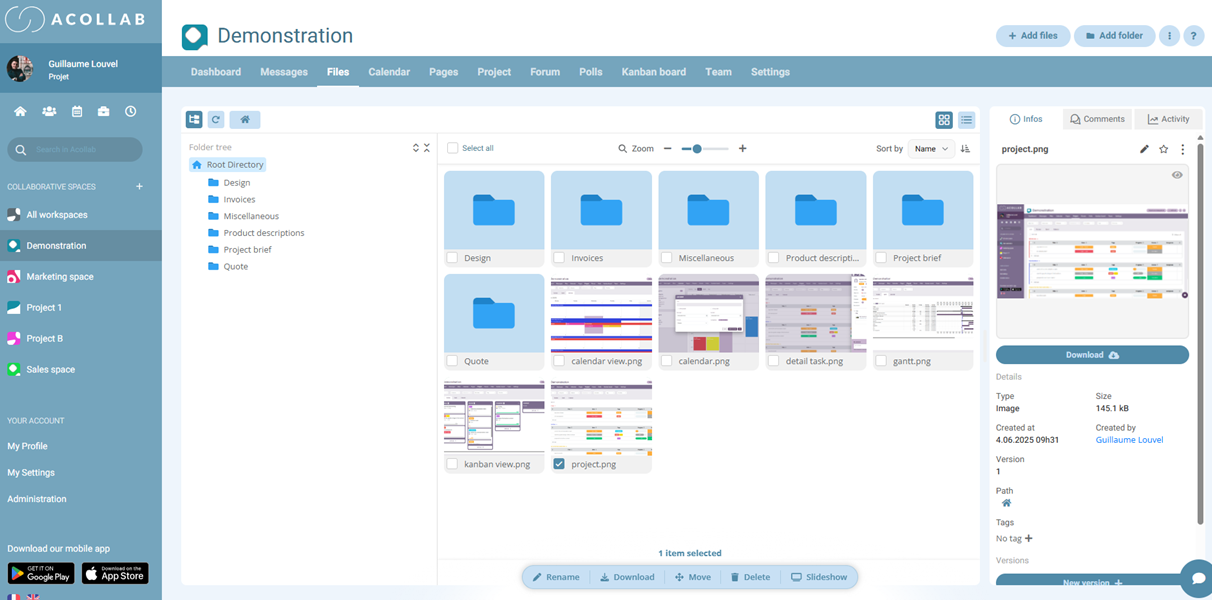
Why choose Flutter?
Flutter is an open-source framework developed by Google that allows developers to build cross-platform applications (iOS and Android) from a single codebase.
This technological choice is far from anecdotal; it represents a strategic shift for Acollab.
A smooth and consistent user experience
With Flutter, the development team can deliver an identical interface on both iOS and Android. Users no longer experience differences depending on their device.
The result:
- A more responsive interface
- Modern and intuitive navigation
- Faster loading times
Faster updates
Developing two separate native applications (one for iOS and one for Android) required twice the effort. With Flutter, updates are easier to deploy, and new features are released simultaneously for all users.
A stronger foundation for the future
Flutter is known for its stability and its very active community. This ensures that Acollab will be able to continue innovating and adding new features under solid technical conditions.
A completely redesigned user experience
This redesign was also an opportunity to rethink the application’s ergonomics from top to bottom. Users had been asking for it: the goal was greater simplicity and intuitiveness.
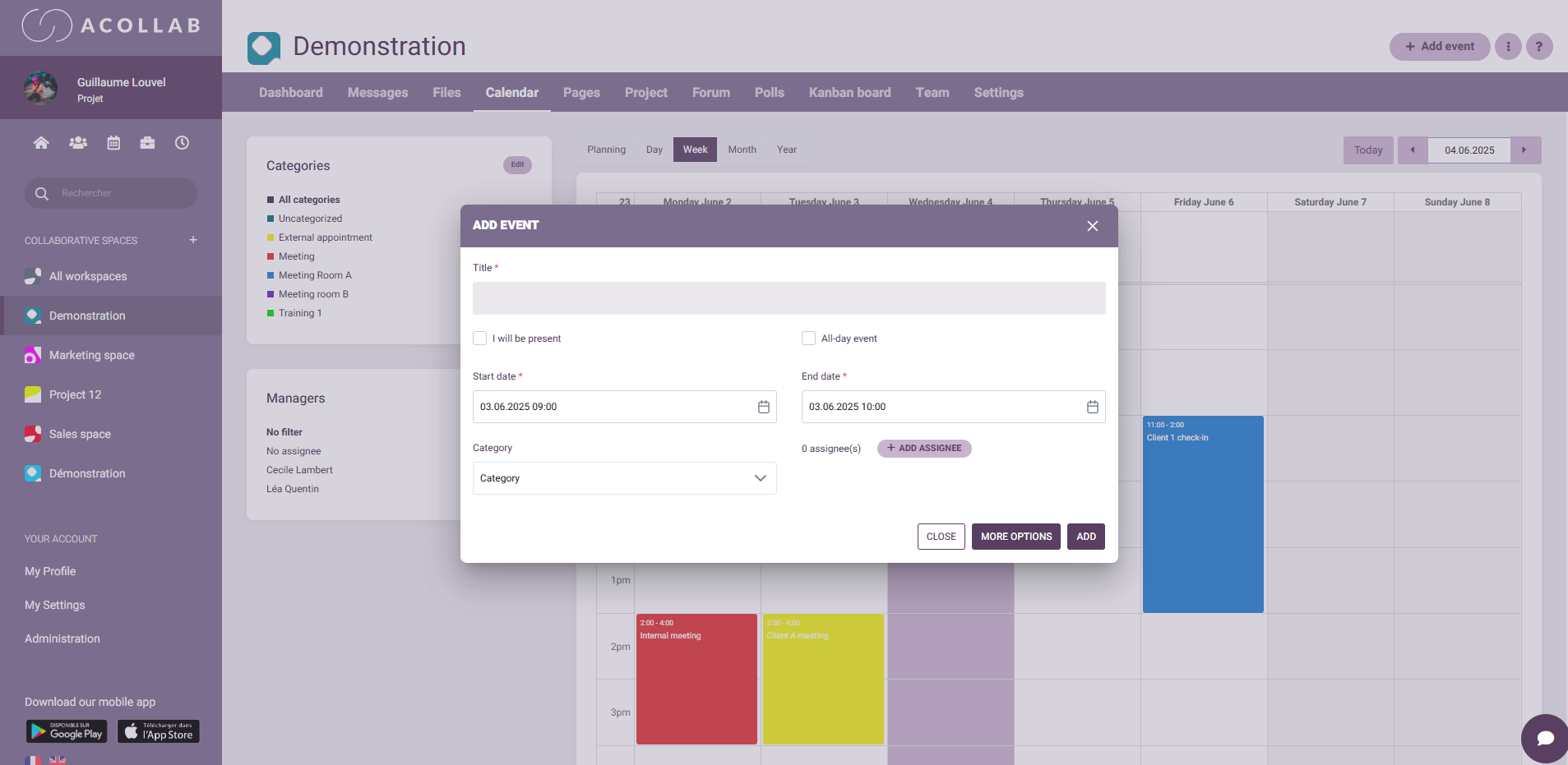
Clearer navigation
Navigation has been redesigned to be faster and more logical:
- A main menu on the left gives access to key modules (projects, documents, agenda, messaging, etc.) across all collaborative spaces
- Screens are more spacious, with clear and easily accessible buttons
A modernized design
The design now follows a more contemporary visual identity, aligned with the web interface. Colors, icons, and typography have been refined to improve readability and visual comfort.

A mobile-first experience
Mobile usage is different from desktop usage:
- On a smartphone, users quickly check information between meetings
- They reply to messages on the go
- They validate tasks in just a few seconds
The application has been optimized for these scenarios: fewer clicks, faster actions, and more intuitive gestures (swipe navigation, drag-and-drop).
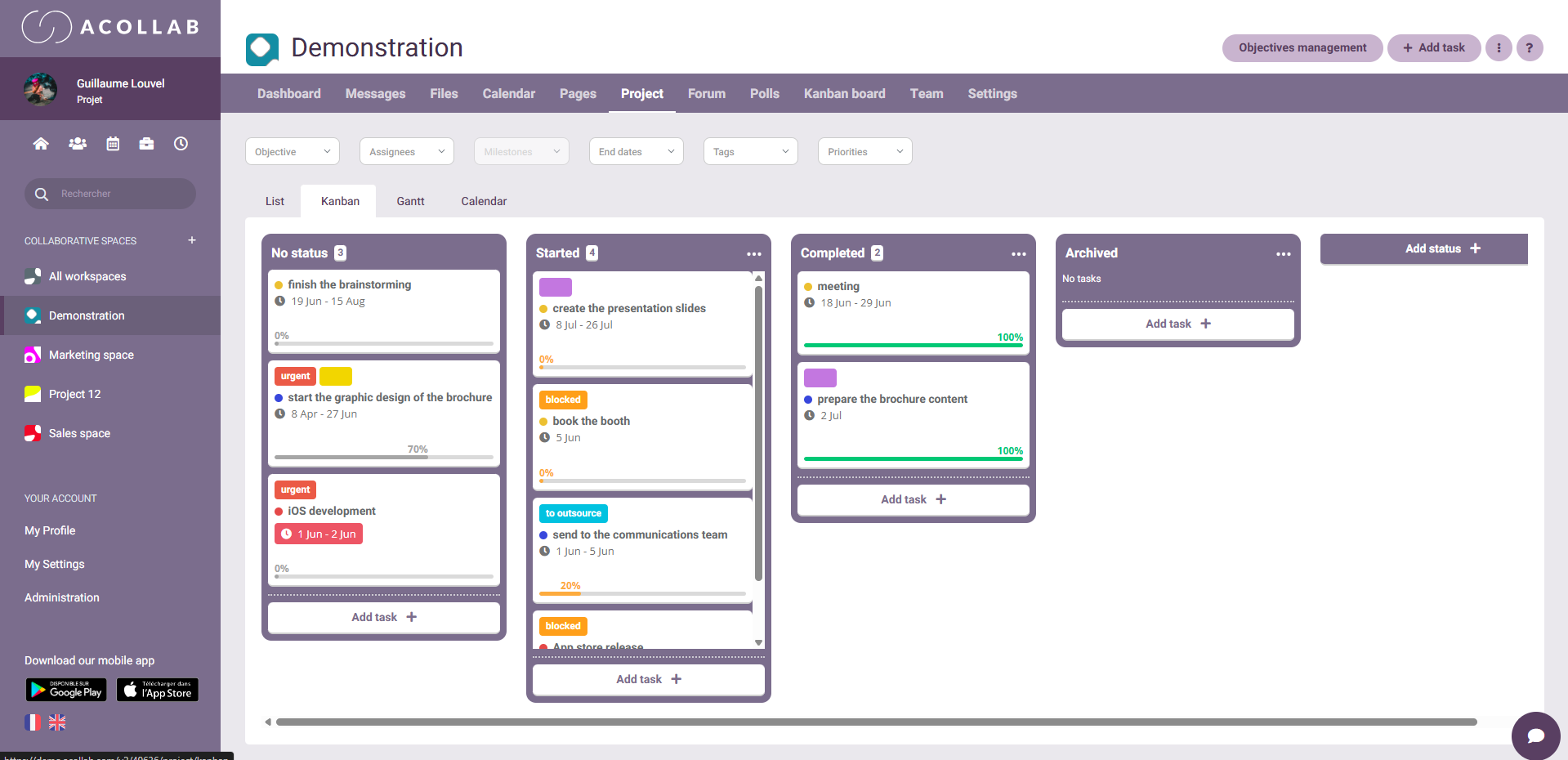
More powerful features, designed for mobility
The app isn’t just more visually appealing : it’s also more powerful. Here are a few examples of what you can now do more easily:
- Create and manage tasks directly from your mobile device, with deadlines and assignees
- Access all shared documents and view them without needing a computer
- Check your agenda to stay up to date with meetings and deadlines
- Communicate in real time with your team via collaborative messaging and, most importantly, chat
- Track project progress in just a few seconds, even while on the move
Each screen has been designed for mobile use: input fields optimized for touch keyboards, quick actions, and useful notifications without being intrusive.
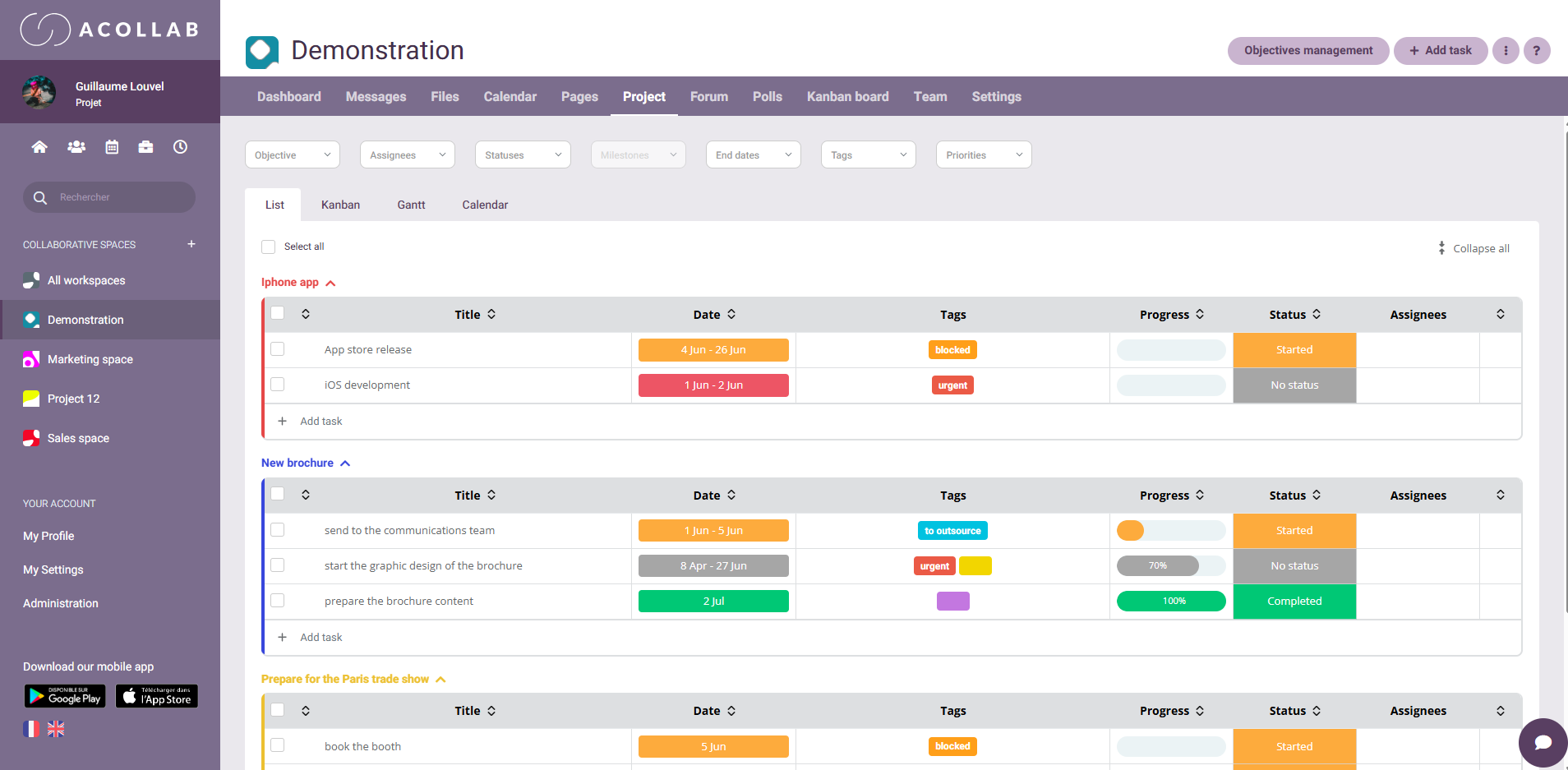
Benefits for users
The new Acollab mobile application delivers concrete benefits for users:
- Time savings: everything is accessible in just a few clicks, wherever you are
- Less stress: you maintain a clear view of project progress, even outside the office
- Better communication: exchanges are centralized, reducing the risk of information loss
- Greater flexibility: you can work efficiently from anywhere, without relying on a computer
A key milestone in Acollab’s strategy
This redesign is part of a broader strategy: delivering a seamless and unified experience across all devices.
Mobile has become the primary access point for many users. Acollab aims to be where teams are, exactly when they need it.
By choosing Flutter, Acollab also benefits from a strong technical foundation that will allow new features to be added quickly in the months ahead.
Conclusion
With this redesign, Acollab reaches a major milestone: the mobile application becomes a true everyday companion for teams.
Faster, more intuitive, and more enjoyable to use, it reflects Acollab’s mission: simplifying collaboration so everyone can focus on what really matters — moving projects forward together.
If you haven’t tried it yet, now is the perfect time to download the new version of the app and experience this redesigned interface for yourself.