
Architects: how to manage your projects with a collaborative platform ?
Whether you are an architect, a housing cooperative, or an architectural firm, you need to share large volumes of files, coordinate projects, and collaborate with multiple stakeholders throughout every stage of a project.
Architectural design software generates increasingly large files that can be difficult to transfer. At the same time, construction and renovation projects often span several months, or even years, making efficient collaboration essential. That’s why adopting a collaborative platform has become one of the best ways to simplify project management and improve day-to-day productivity.
Acollab is a collaborative workspace designed for organizations of all sizes, from independent architects to SMEs and larger firms. It is particularly well suited to architecture professionals looking for a centralized solution to manage projects, documents, and communication.
Whether you manage construction projects, renovations, urban planning initiatives, or consulting assignments, Acollab helps streamline collaboration between your teams, clients, and external partners.
Organize each project in its own collaborative workspace
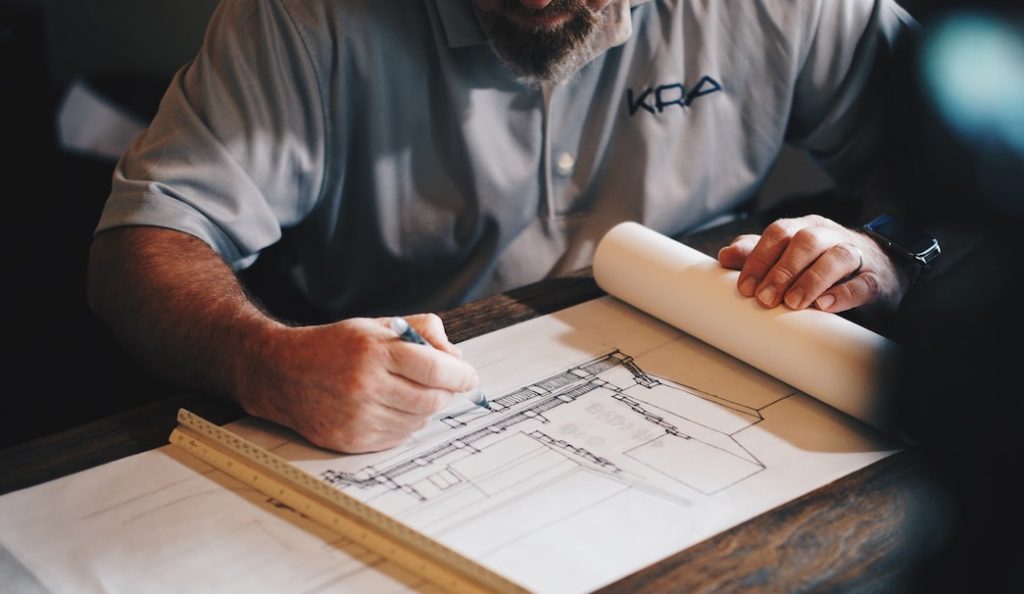
Most collaborative platforms are built around dedicated workspaces. The best approach is to create one workspace for each project.
Whether you’re working on a design competition, a renovation, or a construction project, each workspace becomes the central hub where architects, clients, engineers, contractors, and project owners collaborate.
You can invite every stakeholder involved in the project, including engineering consultants, project owners, contractors, suppliers, clients, external partners…
Within each workspace, your team can:
- Share project documentation
- Discuss files through comments
- Schedule meetings using a shared calendar
- Track project progress
- Keep every conversation in one centralized location
Instead of switching between emails, cloud storage, messaging apps, and spreadsheets, everything is managed from a single platform.
Document management for large architectural files
Document management is one of the most important features for architects.
Acollab allows you to securely store and organize all your project documents in one place.
For example, you can:
- Upload architectural plans
- Share BIM files and IFC models
- Store permits and administrative documents
- Share technical specifications
- Centralize photos and visual assets
Clients and collaborators can view or download files, leave comments, and add annotations directly to documents.
Each file becomes the starting point for discussions, eliminating endless email exchanges and ensuring every decision is recorded alongside the document itself.
All project documentation remains organized and accessible throughout the project’s lifecycle.

La gestion de projet de l'architecte simplifiée
Architectural projects involve hundreds of tasks that need careful planning and monitoring.
Acollab’s Project Management module allows you to:
- Create project tasks
- Organize them by objective or milestone
- Assign responsibilities
- Set deadlines
- Monitor project progress
Projects can also be displayed as a Gantt chart, providing a complete overview of planning, dependencies, and deadlines.
This makes it easier to anticipate delays and coordinate every participant involved in the project.
Kanban boards for visual project tracking
For teams that prefer a more visual approach, Acollab also includes Kanban boards.
Tasks are displayed in columns representing each stage of progress, making it easy to see what’s planned, what’s in progress, and what’s completed.
Kanban provides an intuitive way to organize daily work while giving the entire team a clear overview of project status.
A shared calendar for better coordination
Coordinating meetings, site visits, and milestones becomes much easier with a shared calendar.
Architects can schedule:
- Client meetings
- Site inspections
- Design reviews
- Team meetings
- Delivery deadlines
Every participant has access to the latest planning information, reducing scheduling conflicts and improving coordination. For housing cooperatives or participatory housing projects, the shared calendar can also be used by resident groups to organize common spaces and shared activities.

Advanced permission management
Not everyone should have access to every document.
One of Acollab’s strengths is its highly granular permission management.
Administrators can define exactly who has access to:
- A specific project workspace
- Individual applications within each workspace (Documents, Calendar, Project Management, Wiki, etc.)
- Specific folders inside the document repository
For example, a client may have access to architectural plans while internal design concepts remain restricted to your team. This level of control helps protect sensitive information while making collaboration seamless.
Stay informed with smart notifications
Acollab keeps your teams informed without overwhelming them.
Users can receive notifications whenever:
- A new file is uploaded
- A document is updated
- Someone comments on a file
- A meeting is scheduled
- A task changes status
Each user can customize their notification preferences to receive only the information that matters most.
Additional features that save time
First of all, collaborative platforms such as Acollab also allow you to know who downloaded a file, who deleted an event, and more. This gives you complete traceability.
This collaborative platform also allows you to manage document versions. For example, if you upload a document to the platform with the same name as an existing one, version 2 will automatically be created. You can then easily revert to previous versions. Your files are safely backed up.
In addition, if you do not wish to invite your partners, such as contractors, to your shared workspace, you can simply create an external sharing link. Sharing with people outside the platform allows you to set an expiry date for the link as well as a password. They will then have access to the shared file under the conditions you have defined.
Finally, Acollab allows you to archive and delete projects. This helps keep your account organized and lets you focus on your ongoing projects.
Why architects choose a collaborative platform
Using a collaborative platform offers numerous advantages for architectural firms:
- Centralize all project documents in one secure location
- Improve communication with clients and partners
- Accelerate project delivery through better collaboration
- Track every discussion, comment, and document revision
- Increase responsiveness throughout the project lifecycle
- Reduce time spent searching for files
- Eliminate software installation : Acollab runs directly in your web browser