Acollab, the document management software for architects : organize efficiently
In the architecture industry, document management is much more than a simple organizational matter: it directly impacts the quality of work, collaboration with clients and partners, and the accuracy of projects. Plans, mockups, renderings, technical documents, BIM files, schedules, correspondence… the volume of documents and the complexity of exchanges can quickly become unmanageable without the right tool.
This is where Acollab comes in. Designed as a flexible and powerful collaborative solution, Acollab is the perfect tool for architects who want to streamline document management while improving both internal and external collaboration. Let’s explore how Acollab provides a practical response to the challenges of the profession.
Architects’ specific document management needs
The variety of document formats and content
An architectural project generates a wide range of documents :
- 2D and 3D plans (DWG, DXF, PDF, etc.)
- digital models (Revit, ArchiCAD)
- renderings and visuals (JPEG, PNG, TIFF)
- administrative documents
- specifications
- correspondence with project owners
Each document type has its own purpose, importance, and consultation requirements. Without a centralized solution, files can easily be lost, duplicated, or poorly versioned.

The need for clear version tracking
Imagine a team working on different versions of the same plan. Even a minor mistake in an outdated version can lead to delays, construction issues, or misunderstandings between stakeholders. Version management is therefore a critical issue for architects.
Collaboration with external stakeholders
Architects, engineering firms, project owners, contractors, inspection offices… many stakeholders are involved in projects. Managing document access rights, tracking feedback, and ensuring exchange traceability become essential.
Acollab is not just a storage space. It is a complete collaborative software that includes robust file management features tailored to architects’ needs.
Acollab: a solution designed for collaborative document management
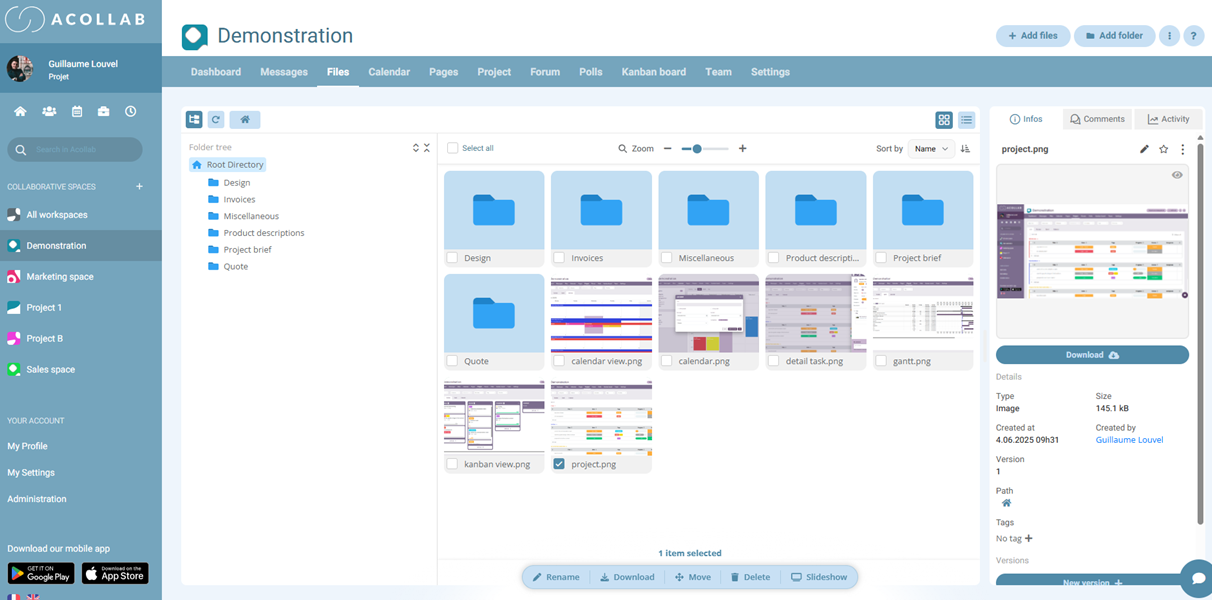
Centralized and structured storage
Instead of storing documents across scattered folders, computers, USB drives, or emails, Acollab provides a centralized workspace easily accessible to all team members.
Benefits:
- clear and customizable folder organization
- quick access to all project resources
- reduced duplicates and errors
Every architect or team member knows exactly where to find the latest versions of plans, models, administrative documents, or meeting notes.
Version management and history
Keep a clear record of document evolution. With Acollab:
- every document can be versioned
- modification history is accessible
- previous versions can be restored if necessary
This helps avoid common mistakes such as:
- working on outdated plans
- losing valuable feedback after overwriting files
Version control becomes a real asset for team peace of mind.
Controlled sharing with partners
One of Acollab’s strengths is the ability to share documents with external stakeholders while controlling:
- access rights (read, write, modify)
- sharing duration
- confidentiality levels
For example, when working with an engineering office or project owner, you can:
- share only relevant documents
- allow comments or proposed modifications
- ensure sensitive internal files remain protected

Real-time collaboration
With Acollab, architects do more than just upload files: they collaborate around them.
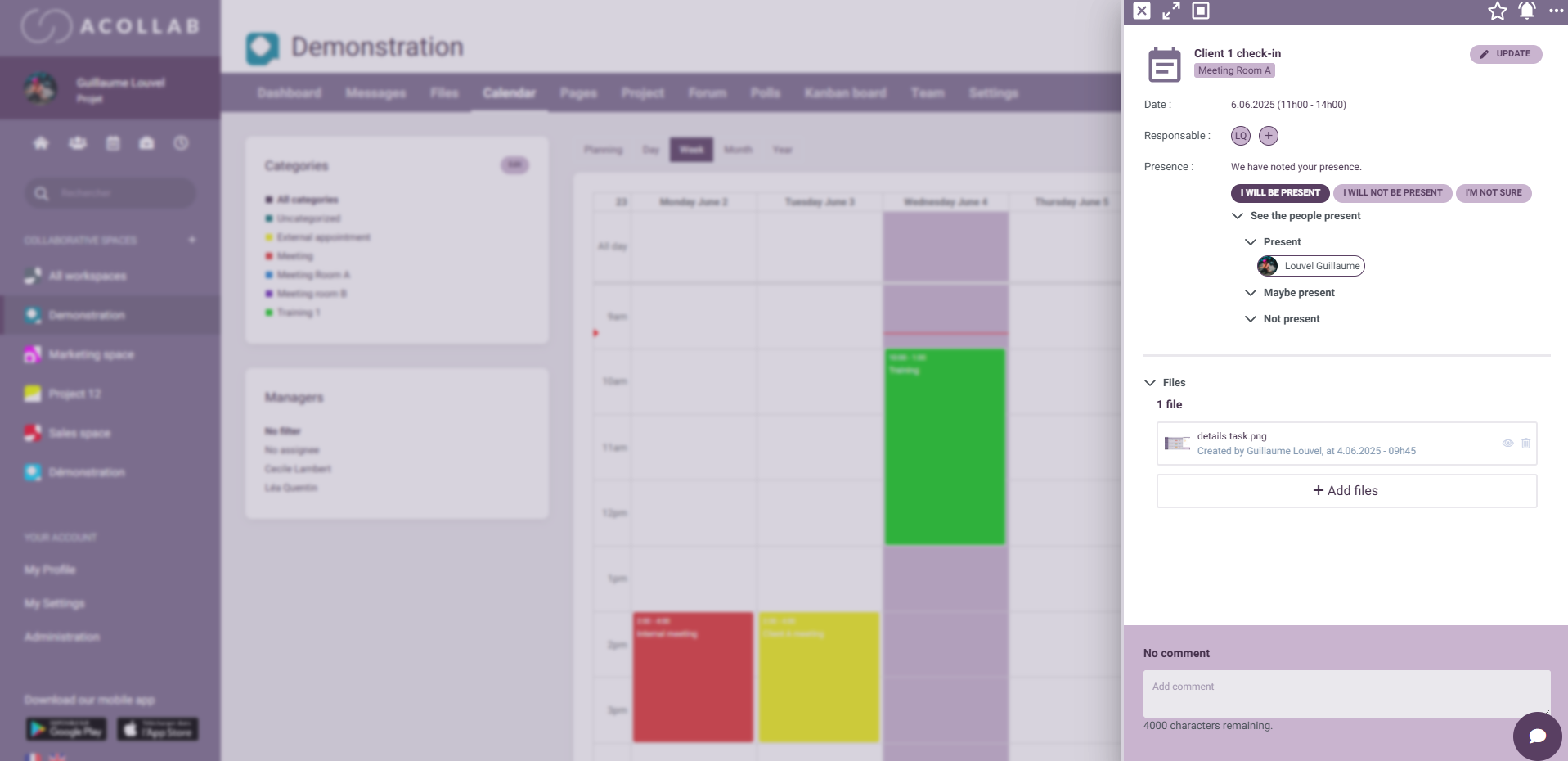
Each document can be commented on and discussed within the team.
Feedback is directly linked to the relevant documents, avoiding endless email exchanges and loss of context. Teams maintain a clear overview of discussions, making comment tracking a powerful coordination tool.
How Acollab fits into architectural project phases
Design phase
From the earliest project stages:
- sharing initial sketches
- organizing plan versions
- collecting client feedback
- centralizing technical documents
Development phase
During the phase where plans become more detailed and technical exchanges multiply:
- BIM documents
- calculation notes
- engineer comments
- plan revisions
Acollab provides perfect traceability for versions and comments while maintaining a clear history of exchanges.
Construction and execution phase
Once construction begins, document management remains essential: execution plans, updated permits,technical sheets, construction meeting reports, progress photos…
Thanks to Acollab’s web and mobile accessibility, all stakeholders can access up-to-date documents wherever they are.
Concrete benefits for architects
Better document security
Acollab ensures secure access management with customizable permissions. Each architect can decide who can access specific documents and track related activities.
Improved productivity
Teams no longer waste time:
- searching for scattered files
- sorting through emails
- reconstructing old conversations
Everything is centralized and accessible in just a few clicks.
Easier collaboration
Acollab removes many traditional collaboration barriers:
- no more large email attachments
- no more multiple versions across different computers
- no more comments spread across multiple channels
All exchanges are structured and directly linked to documents.
Stronger client relationships
Architects can:
- share documents directly with clients
- enable structured feedback
- secure sensitive documents
This creates a more professional image and increases client trust.

Acollab and collaborative architecture needs
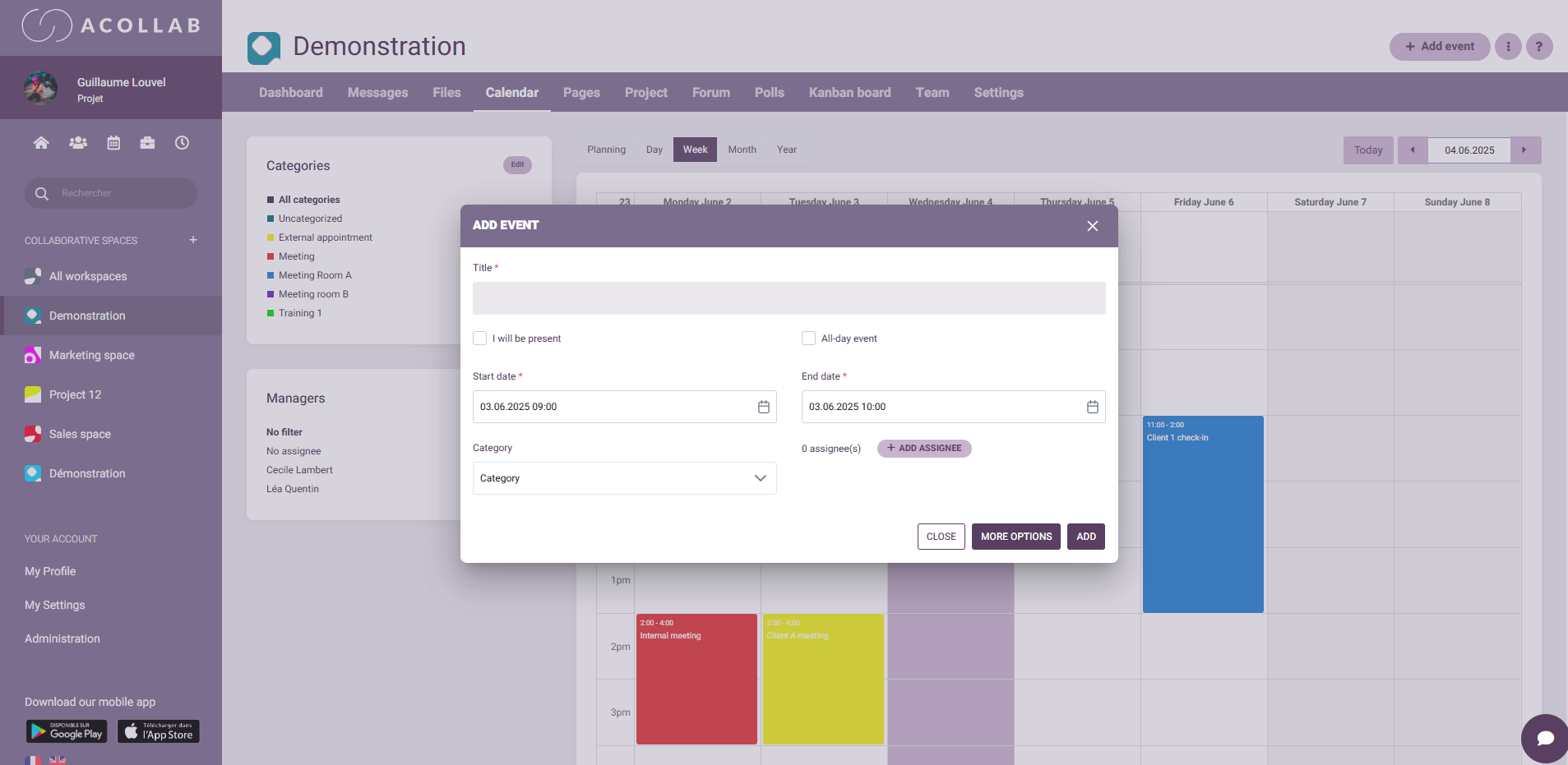
Integration with calendars and tasks
Acollab goes beyond document management. It combines:
- document management
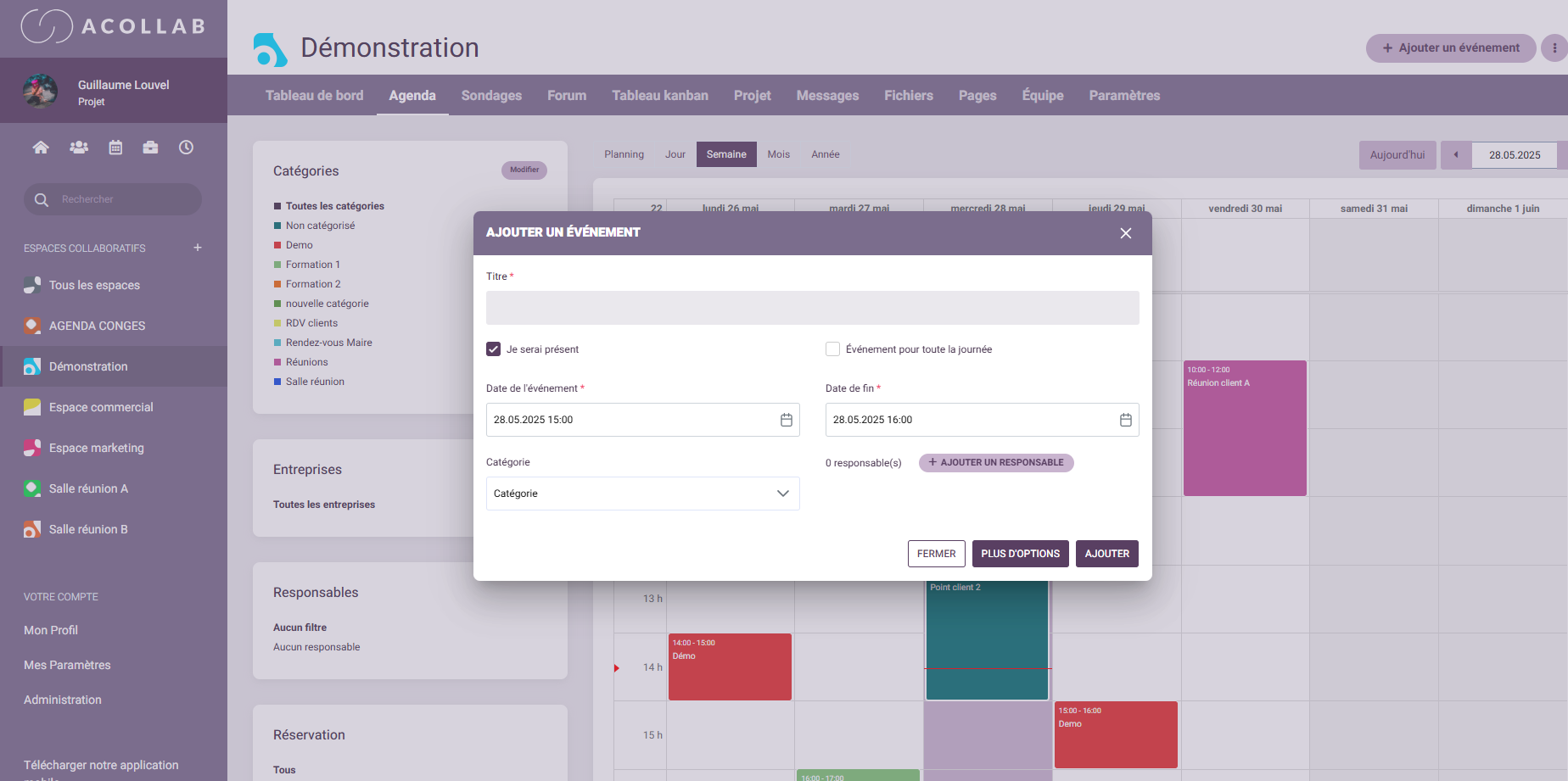
- shared calendars
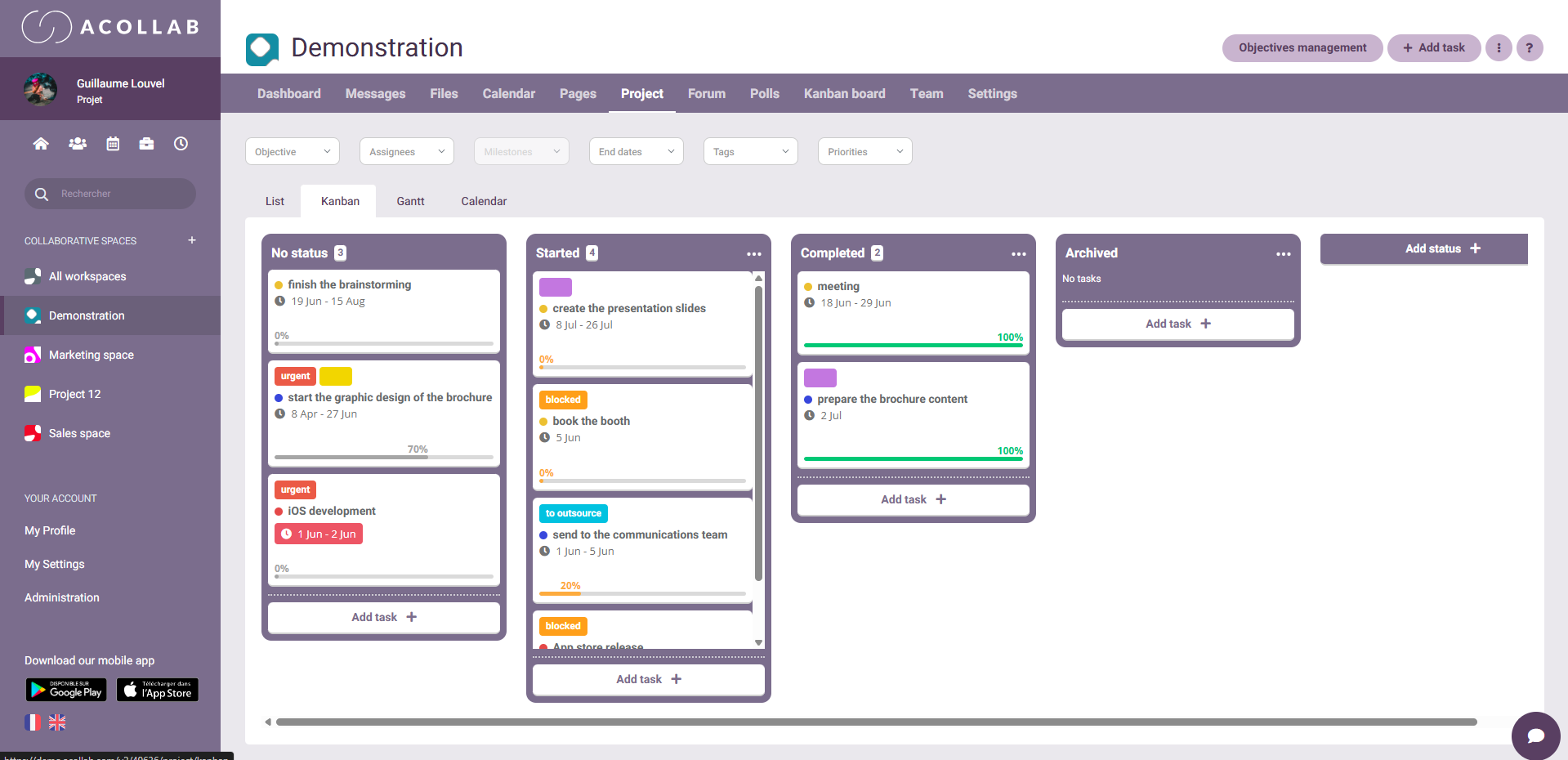
- task management
This integration allows teams to directly connect:
- deadlines to documents
- actions to documents
- comments to tasks
Complete history and traceability
One of Acollab’s major strengths is its ability to preserve:
- document versions
- associated comments
- related actions
- responsible stakeholders for each step
In environments where traceability is essential, especially for complex or regulated projects, this becomes a strategic advantage.

Acollab: a platform adapted to industry constraints
Adaptability
Whether your firm is a small practice, a large agency with multiple teams, or a multi-site organization, Acollab adapts to all environments. The ability to structure documents freely and share specific folders provides significant flexibility.
Fast adoption and easy training
Acollab’s intuitive interface allows teams to quickly adopt the solution.
Document management is a major challenge for every architecture firm. Without the right tool, companies risk wasting time, accumulating scattered versions, and making collaboration between teams, partners, and clients more difficult.
Acollab offers a complete, centralized, and collaborative solution that enables architects. By integrating document management into a collaborative environment, Acollab becomes much more than a simple storage platform: it becomes a true tool dedicated to efficiency and the quality of architectural work.