
How to manage a project as a team: 10 keys to success
Managing a project as a team involves much more than simply assigning tasks to different team members. To achieve its objectives, meet deadlines and maintain good team dynamics, a project team needs to know where it is heading, who is responsible for what and how to track progress.
When information is scattered across emails, meetings, spreadsheets and different tools, project management quickly becomes more complicated. Important details get overlooked, responsibilities become unclear and it becomes difficult to know exactly how a project is progressing.
So, how can you manage a project effectively as a team? From defining objectives to improving communication between team members, here are 10 key principles for organising collaborative work and successfully delivering your projects.
Define clear project objectives
The first step towards effective project management is knowing exactly what the team needs to achieve.
A project cannot be managed properly if everyone has a different understanding of the expected outcome. Before getting started, take the time to answer a few key questions together:
- What is the main objective of the project ?
- What results are expected?
- How will we know whether the project has been successful?
- What deliverables need to be produced?
- What is the final deadline?
- And what constraints need to be taken into account?
The clearer the objectives are from the outset, the easier it becomes to make the right decisions throughout the project.
It is also important to share this information with everyone involved. Remember: before assigning tasks, make sure every team member understands the overall purpose and direction of the project.

Identify everyone's roles and responsibilities
One of the main challenges in collaborative projects is a lack of clarity around responsibilities. Every important task should have a clearly identified owner.
In particular, make sure you define:
- Who is responsible for completing the task
- Who needs to approve it
- Which team members need to be consulted
- Who simply needs to be kept informed of its progress
This structure ensures that everyone understands their role within the project. However, avoid creating an overly rigid organisation. The goal is not to discourage teamwork, but to make sure every task has an owner and that important actions are not overlooked.
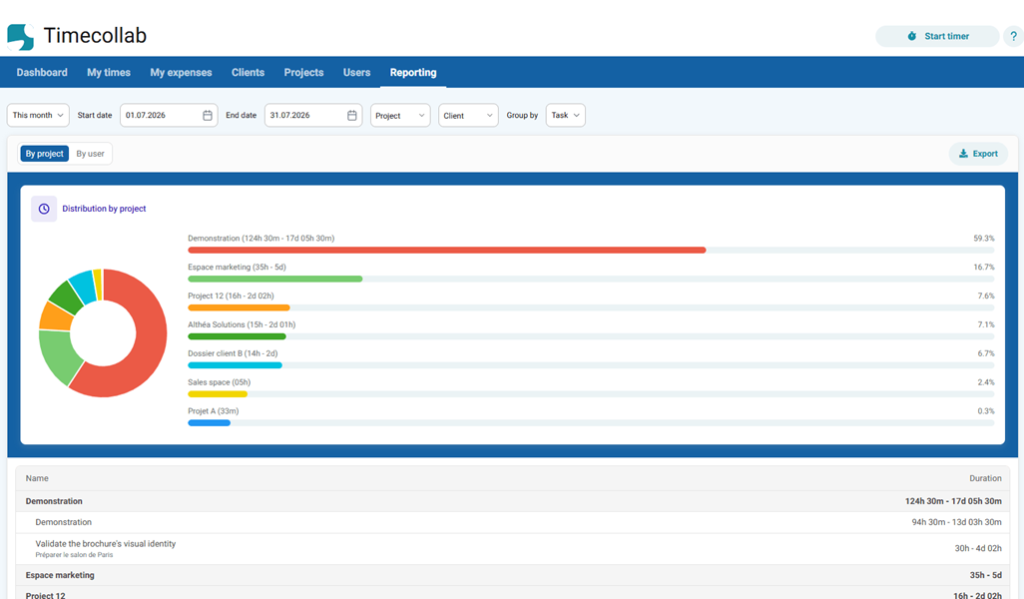
A good project management tool makes it easier to assign tasks to different team members and quickly identify who is responsible for each one.
Break the project down into manageable tasks
A project can seem difficult to manage when it is presented as one large objective. Take the example of launching a new website.
Behind this objective are actually many different tasks: defining requirements, writing content, creating mock-ups, developing pages, testing the website, fixing any issues and preparing for launch.
To manage a project effectively as a team, it is therefore essential to break it down into smaller, more manageable tasks.
Ideally, each task should answer several questions:
- What needs to be done?
- Who is responsible?
- When is it due?
- How important is it?
- Does it depend on any other tasks?
- What is its current status?
Breaking a project down in this way makes planning easier and allows you to track progress more accurately. It also helps prevent the familiar feeling of not knowing where to start. When faced with a clearly defined list of actions, each team member can identify their next priority more easily.
Create a realistic project schedule
Once the tasks have been identified, the team needs to organise them over time. A project schedule provides an overview of the different stages, deadlines and dependencies between tasks.
Not every task can necessarily be completed at the same time. Some activities must be finished before others can begin.
For example, a team generally cannot test a feature before it has been developed.
Similarly, a marketing campaign may depend on the approval of a product or piece of content.
A realistic project schedule should therefore take into account:
- Start and end dates
- Available timeframes
- The team’s workload
- Planned absences
- Dependencies between tasks
- A buffer for unexpected events
A Gantt chart is particularly useful for visualising all these elements. It provides a clear overview of which tasks are underway, which ones are due to start soon and which activities could delay the rest of the project.
For a team, having a shared schedule is especially valuable because it gives everyone a common understanding of progress and upcoming deadlines.
Centralise project information
How much time does a team waste looking for information?
An instruction sent by email, a decision made during a meeting, a file shared through a messaging app, a new version uploaded to another tool…
When information is scattered across different platforms, it becomes difficult to know which version is correct and where to find essential project details.
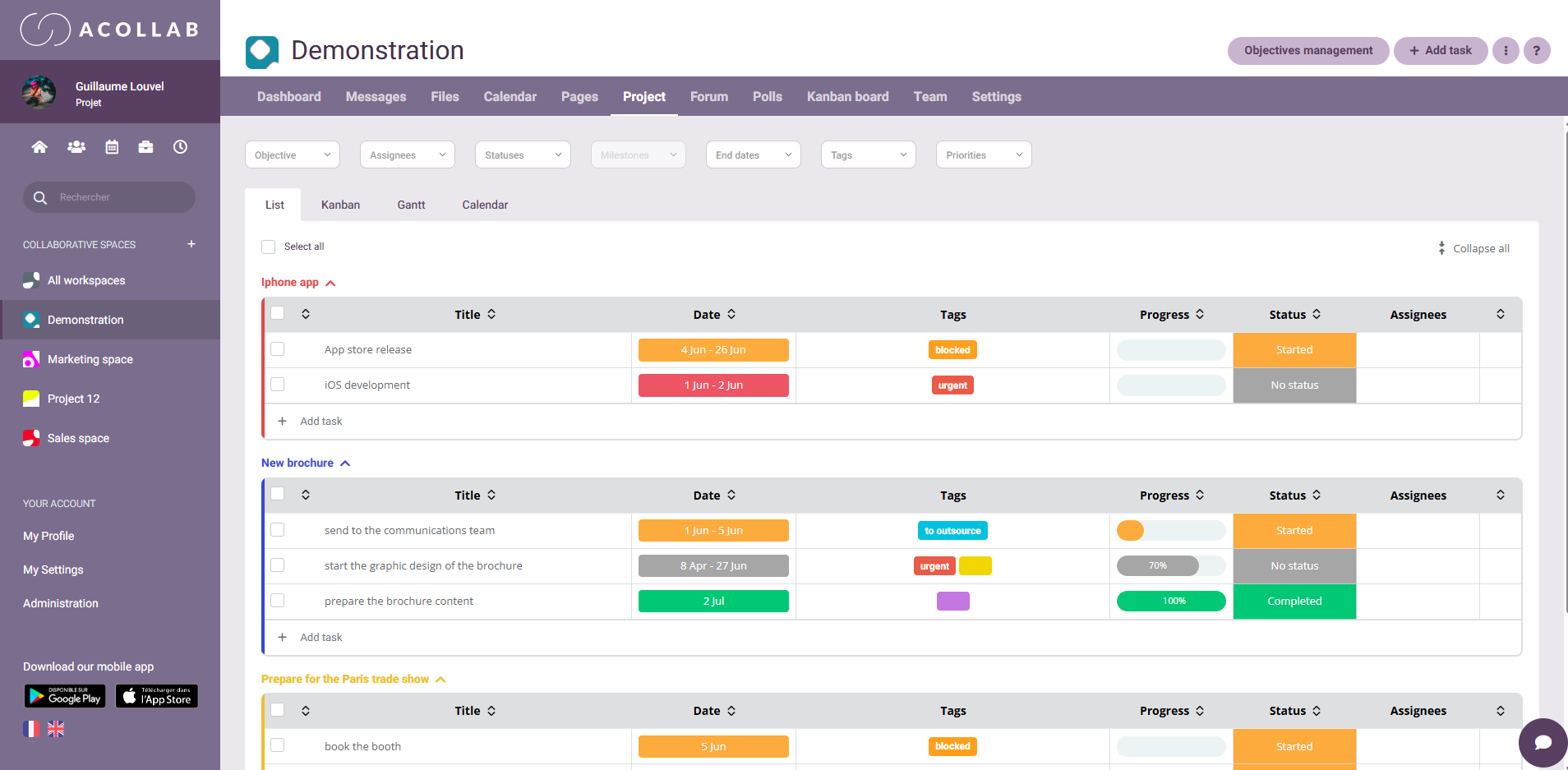
To manage a project effectively as a team, it is best to keep all key information in one place:
- Tasks
- Documents
- Deadlines
- Project-related discussions
- Important decisions
- Meeting minutes
- The project schedule
This centralised approach reduces the risk of information getting lost and makes it easier for new team members to get involved.
It also allows everyone to find the background to a decision or review the history of a particular topic. The aim is not necessarily to eliminate every tool used by the company. However, it is important to establish one central reference point for the project, so everyone knows where to find the information they need.
Establish simple and effective communication
Communication is essential to the success of any collaborative project. However, communicating more does not necessarily mean holding more meetings.
Too many meetings or messages can actually slow the team down and lead to constant interruptions.
Effective project communication is about sharing the right information with the right people at the right time.
To achieve this, establish a few simple rules:
- Which topics require a meeting?
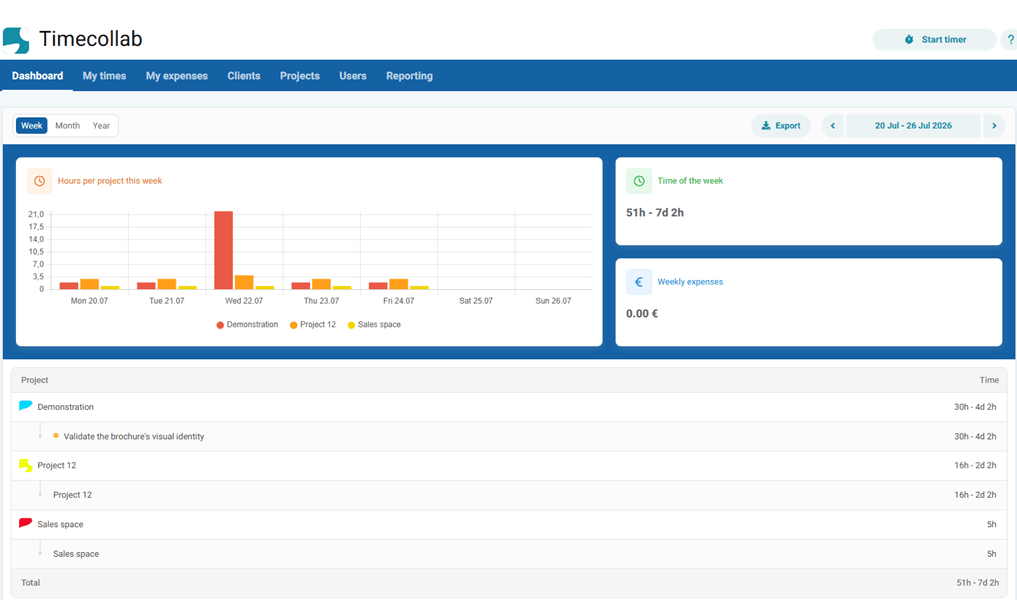
- Which issues can be discussed directly in the project management tool?
- How often should the team review progress?
- How should important decisions be communicated?
- How should team members report a problem or blocker?
Regular progress meetings can be very useful, provided they focus on what really matters: completed work, upcoming tasks, potential delays and difficulties encountered.
Team members should also be able to report problems quickly. The sooner a blocker is identified, the easier it is to find a solution before it affects the project schedule.
Regularly monitor project progress
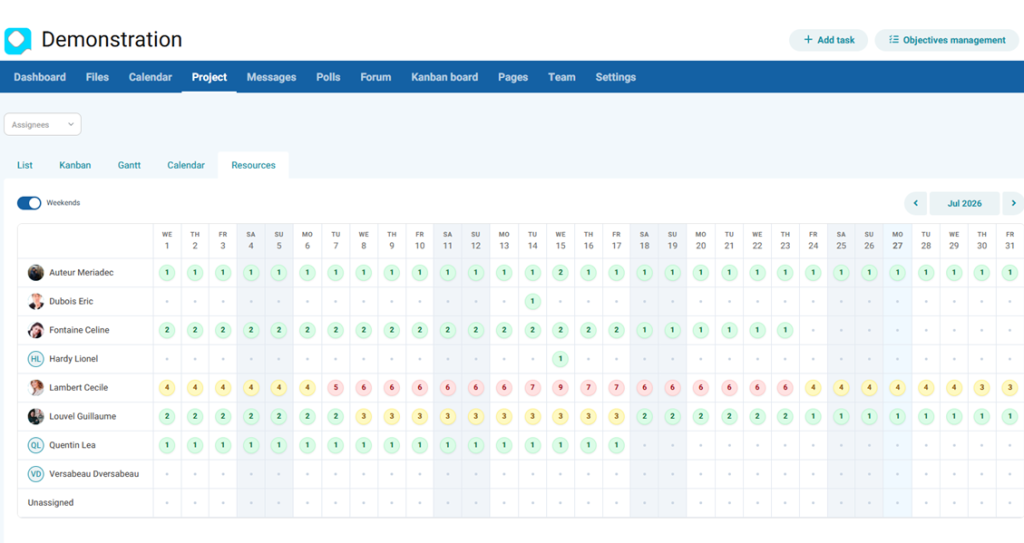
Planning a project is not enough. You also need to check regularly whether actual progress matches the original schedule.
Project monitoring helps you identify:
- Completed tasks
- Ongoing activities
- Overdue tasks
- Upcoming deadlines
- Bottlenecks
- Potential risks to the next stages of the project
The aim is not to monitor every team member constantly. Effective project tracking should provide an overview of the project without turning into micromanagement.
To achieve this, having a clear, consolidated view of projects and their progress is particularly useful.
A project manager should be able to answer a few straightforward questions quickly: Where do we stand? What needs to be done next? What could fall behind schedule?
If answering these questions requires several meetings and numerous message exchanges, there is probably room for improvement in the way the project is organised.

Manage priorities and unexpected events
Even the best project schedule cannot account for every unexpected event.
A client may change their requirements, a team member may be absent, a task may take longer than expected or a technical issue may arise.
Managing a project effectively as a team also means knowing how to adapt.
When something unexpected happens, the team needs to assess its potential impact quickly:
- Which task is affected?
- How urgent is the issue?
- Who needs to get involved?
- Is the final deadline at risk?
- Does the schedule need to be updated?
It is important to distinguish genuine emergencies from issues that can wait. Without a clear prioritisation system, every new request can disrupt the team’s workflow.
A shared tool makes it easier to reorganise priorities, adjust deadlines and give everyone an up-to-date view of the project.
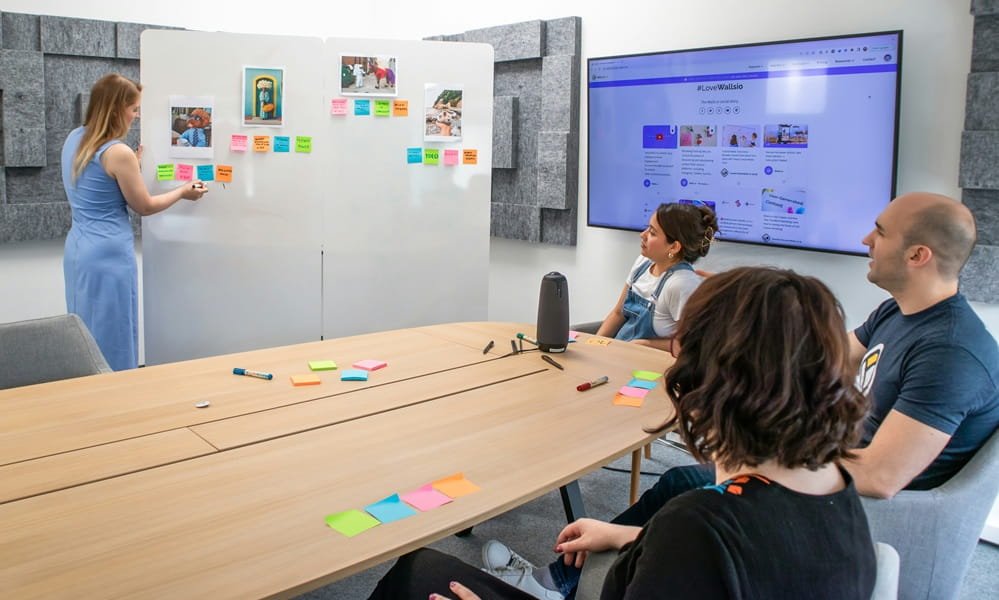
Encourage collaboration and autonomy
A project team works more effectively when everyone has access to the information they need to move forward.
The project manager should not become the mandatory point of contact for every decision and every question. This creates bottlenecks and unnecessarily slows down the project.
To encourage autonomy, team members should have easy access to:
- Their assigned tasks
- Relevant information
- Project documents
- Deadlines
- Decisions that have already been made
- Progress updates on other tasks related to their work
This transparency makes collaboration easier and allows team members to anticipate their next steps.
Effective project management therefore creates a balance: everyone understands their responsibilities while maintaining a sufficiently broad view of the project to understand how their work contributes to the team’s overall efforts.

Choose the right collaborative project management tool
As projects become more numerous or involve several team members, managing tasks through Excel files, emails and scattered documents quickly reaches its limits.
A collaborative tool can significantly simplify project organisation by bringing all the essential information together in one place.
When choosing a project management tool, look for features that allow you to:
- Create and assign tasks
- Track their progress
- Set deadlines
- Share a calendar
- Visualise the project schedule
- Manage multiple projects
- Use a Gantt chart
- Centralise documents
- Make communication easier between team members
The main advantage is having a shared workspace where everyone can find the information they need to move forward.
Conclusion
Acollab helps teams centralise project management and collaboration. Tasks, deadlines, calendars, documents and discussions can all be brought together in one workspace, reducing scattered information and making it easier to monitor progress.
Managing a project effectively as a team starts with establishing a clear framework. Everyone needs to understand the objectives, responsibilities must be clearly defined and tasks must be organised within a realistic schedule.
By centralising tasks, schedules, documents and discussions in a collaborative tool like Acollab, teams can coordinate their work more effectively and maintain control over their projects, even when several initiatives are running simultaneously.