
Tasks are visible in the Acollab calendar
In a collaborative work environment, time management and task management go hand in hand. Yet in many tools, these two elements remain separate: tasks are listed in a project management tool or task board, while calendars are reserved for meetings and events.
As a result, teams often have to switch between multiple views to understand their workload and priorities.
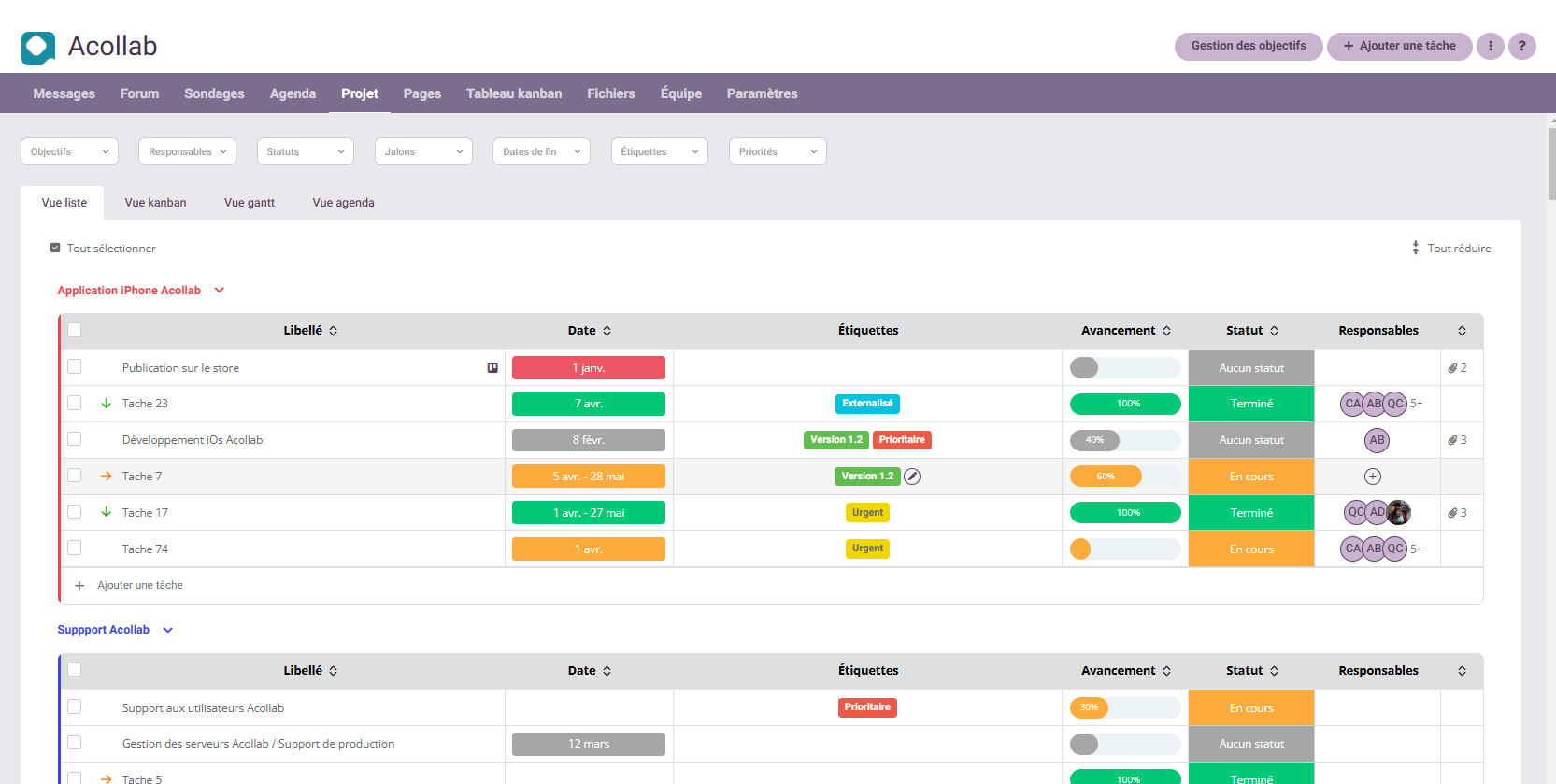
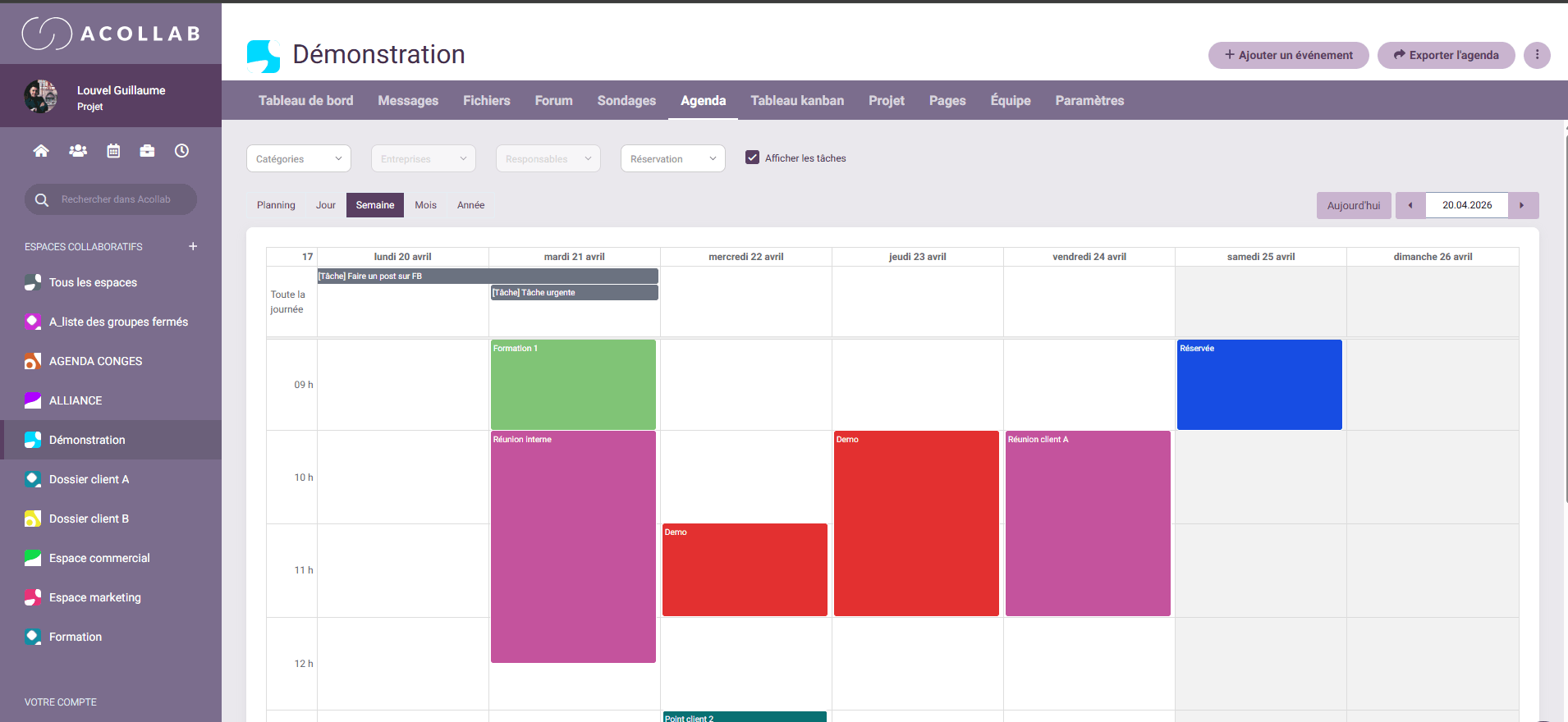
To simplify day-to-day organization, Acollab introduces a new feature: tasks can now be displayed directly within the calendar. This enhancement makes it easier to visualize upcoming work, plan activities more effectively, and gain greater clarity when managing projects. Of course, this feature is optional and can be enabled or disabled according to each user’s preferences.
Let’s take a closer look at how this new feature benefits teams.
Why display tasks in the calendar?
In many organizations, calendars are already the central tool used to schedule meetings, events, and availability. However, calendars often show only part of the reality of work: the time allocated to meetings, but not necessarily the time required to complete tasks.
Yet a typical workday involves much more than meetings. It also includes:
- Writing documents
- Preparing reports and files
- Project follow-up
- Administrative tasks
- Operational activities
By displaying tasks directly in the calendar, Acollab provides a more complete view of each day or week. Users can better understand:
- What they need to do
- When they need to do it
- How it fits into their overall schedule
This approach brings task management closer to the actual planning of daily work.
A clear view of workload
One of the biggest challenges in work organization is understanding your real workload.
It’s common to have a long list of tasks without knowing exactly how to fit them into your schedule.
With tasks now displayed in the Acollab calendar, users can:
- View their tasks directly alongside calendar events
- Identify periods of high activity
- Distribute their workload more efficiently
This visibility helps avoid two common situations:
- Overloaded workdays
- Underutilized time slots
By visualizing tasks directly in the calendar, users can better balance their schedules and manage their workload more effectively.
Improved project planning
Teams can now see within the same calendar view:
- Project meetings
- Delivery deadlines
- Tasks that must be completed before milestones
- Key project stages
This approach makes it easier to understand the overall project timeline and improves coordination between team members.
Project managers also gain a more concrete view of project progress and upcoming priorities.
A more intuitive way to organize work
Another objective of this new feature is to make work organization more intuitive.
Most people naturally think about their day in terms of a schedule:
- “What do I need to do today?”
- “What are my priorities this week?”
The calendar therefore becomes a natural reference point.
By integrating tasks into the calendar, Acollab enables users to find all relevant information in one place.
There is no longer any need to switch between different views to understand what lies ahead during the day.
Better coordination between tasks and meetings
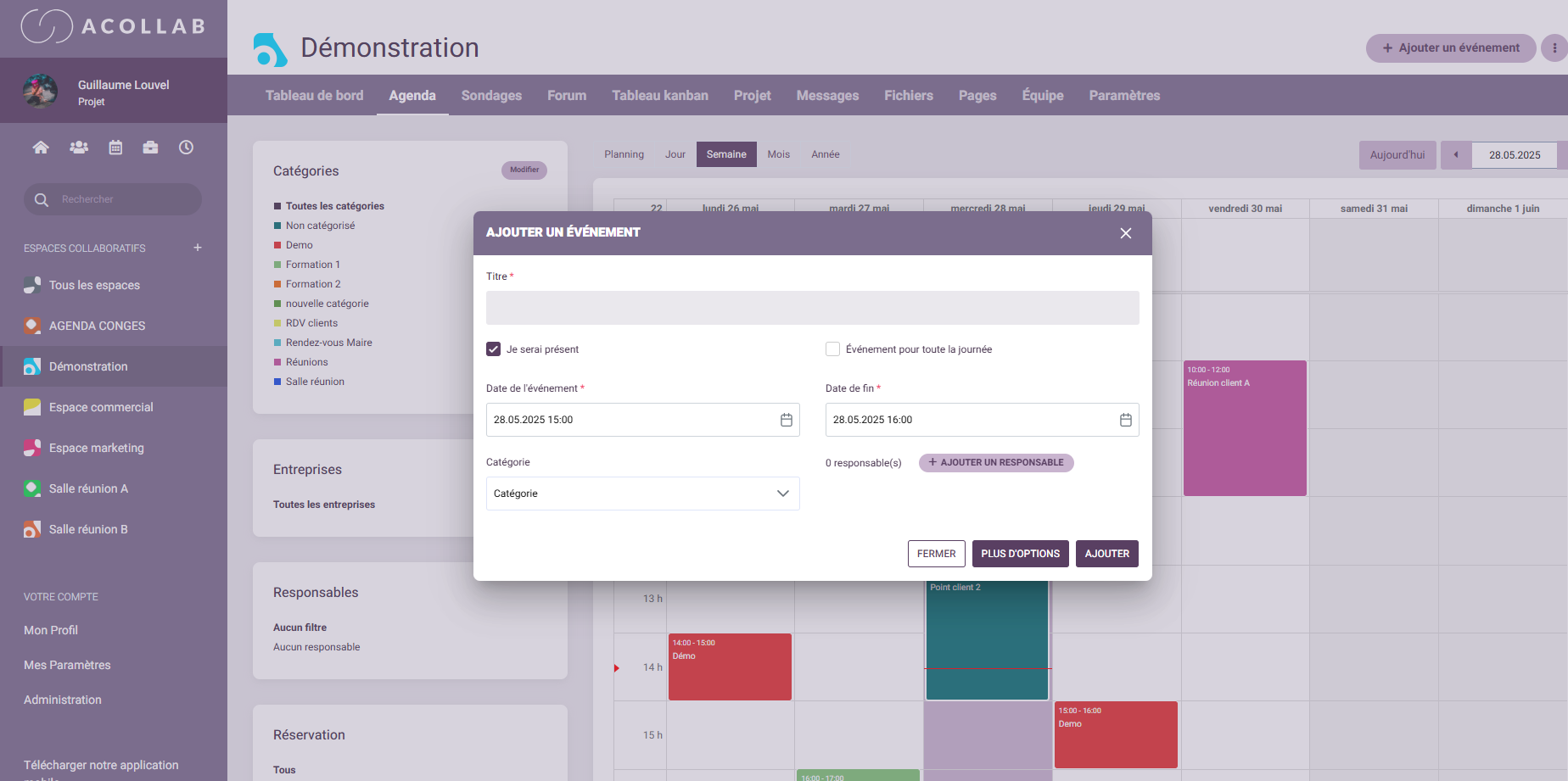
In many teams, meetings can fragment the workday and make it difficult to focus on important tasks.
By displaying tasks in the calendar, it becomes easier to:
- Identify available time slots
- Schedule focused work sessions
- Avoid overloading certain days
Users can organize their time more effectively and maintain a better balance between collaboration and productive work.
A feature designed for collaborative work
Like all Acollab features, the task display within the calendar has been designed to support teamwork and collaboration.
Within a shared workspace, team members can easily see:
- Tasks associated with a project
- Important deadlines
- Key moments in the project timeline
This improves transparency and helps everyone understand the current status of a project as well as the next steps.
This shared visibility strengthens coordination and promotes smoother collaboration across teams.
A natural extension of Acollab's features
This enhancement is fully aligned with Acollab’s mission: providing a complete collaborative workspace where teams can organize their activities without relying on multiple disconnected tools.
With Acollab, users can already:
- Manage tasks
- Share documents
- Collaborate in dedicated workspaces
- Use shared calendars
- Track project progress
The integration of tasks into the calendar further strengthens this approach by connecting different aspects of collaborative work even more closely.
Conclusion
By allowing tasks to be displayed directly within the calendar, Acollab provides users with a more comprehensive view of their schedule.
This new feature helps teams:
- Better visualize their workload
- Plan activities more efficiently
- Improve project coordination
By bringing tasks and calendars together, Acollab continues to develop a collaborative workspace that is simple, intuitive, and adapted to the needs of modern teams.